欢迎来到趣幕下载,找软件、下软件,就上 qoom.cn!
首页 > 编程开发 > 编程工具
更新时间:2026-11-20
delphi7(Borland Delphi 7 企业版) 7.0 Build 8.1 中文注册安装版(附序列号)

delphi7(Borland Delphi 7 企业版) 7.0 Build 8.1 中文注册安装版(附序列号)

编程工具 WinXP中文免费软件
大小:182.75M 更新:2026-11-20 语言:中文 平台:WinXP 授权:免费软件
↓ 立即下载 下载地址在页面底部 ☆ 加入收藏 已有 人浏览 · 次下载

软件信息

大小182.75M
语言中文
平台WinXP
更新2022-07-13 15:32
等级--
类型编程工具
授权免费软件
厂商Embarcadero公司
产地国外软件
网站https://www.embarcadero.com/cn/products/delphi/

软件介绍

最近跟着领导学习Delphi,我特意下载了delphi7中文版。试过很多个版本都装不上,昨天终于找到一个能顺利安装的,就发出来和大家共享。

delphi7在2002年发布,至今仍有很多开发者使用,功能方面算是比较强大的。

Delphi 7是很经典的一版,适合收藏,高手们尤其喜欢。

Delphi是类似微软VB的Windows程序开发工具,因其数据库功能优秀、窗口设计简单而深受程序员喜爱。
delphi7(Borland Delphi 7 企业版) Delphi7

delphi7安装步骤图解

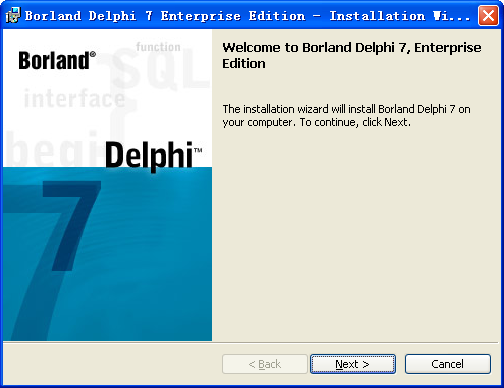
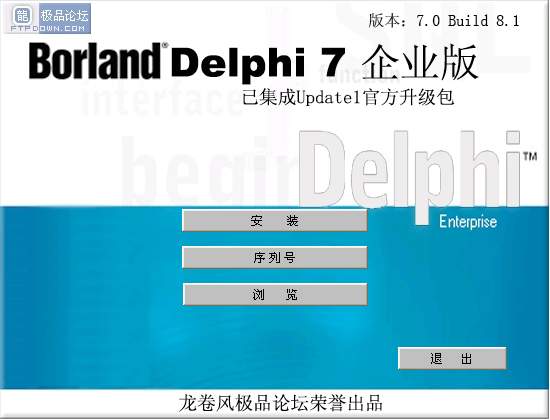
1、执行安装文件内的AUTORUN.EXE,按“安装”按钮进行安装。
delphi7(Borland Delphi 7 企业版) Delphi7

2、按下 next 按钮。

delphi7(Borland Delphi 7 企业版) Delphi7

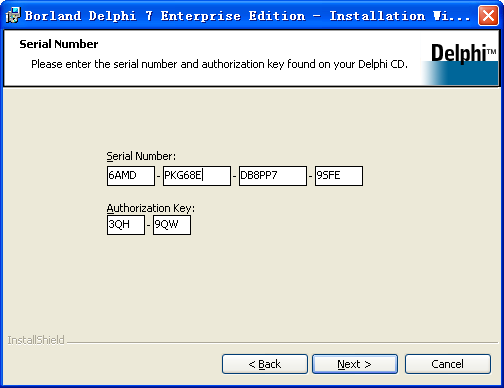
3、填写序列号和key;

AMD-PKG68E-DB8PP7-9SFE

该工具为3QH-9QW。
delphi7(Borland Delphi 7 企业版) Delphi7

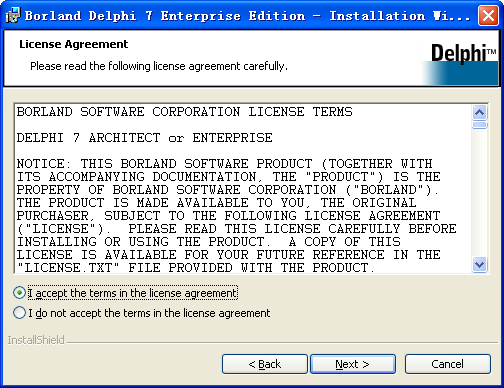
4、选择接受许可协议。

delphi7(Borland Delphi 7 企业版) Delphi7

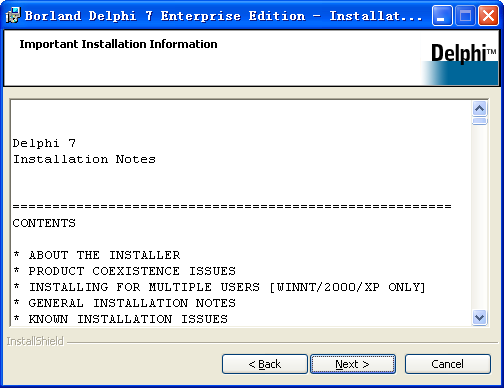
5、按 next 键。

delphi7(Borland Delphi 7 企业版) Delphi7

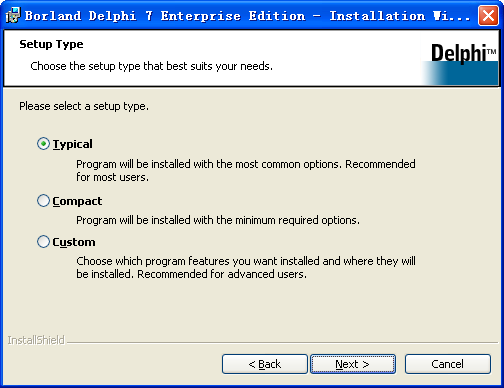
6、挑选安装类别;

delphi7(Borland Delphi 7 企业版) Delphi7

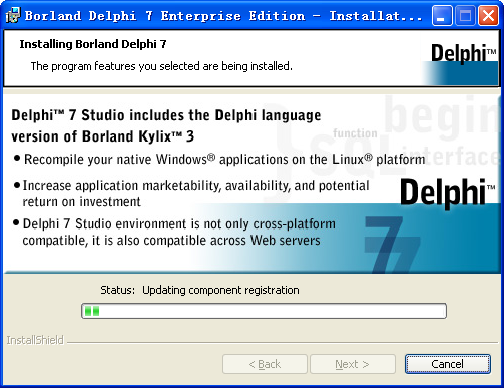
7、之后持续点击next开始安装;

delphi7(Borland Delphi 7 企业版) Delphi7

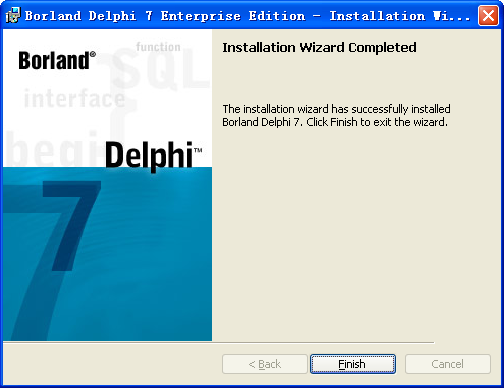
8、软件已经装好!

delphi7(Borland Delphi 7 企业版) Delphi7

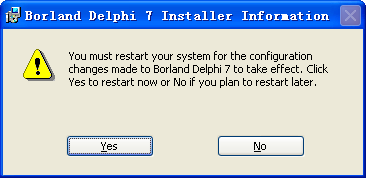
9、提示要重启系统时,可以直接点击NO;

delphi7(Borland Delphi 7 企业版) Delphi7

delphi7汉化操作教程

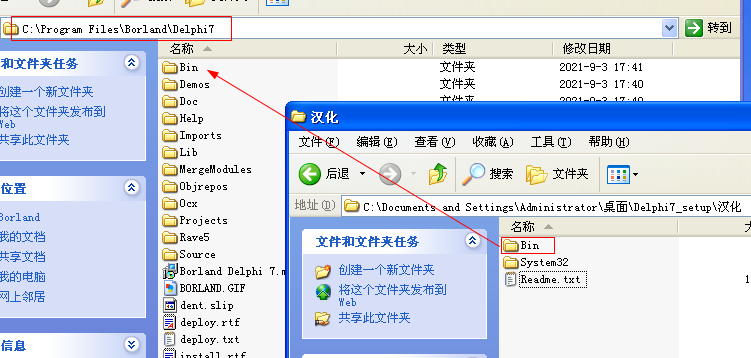
1、将Bin目录下全部文件复制到安装目录的Bin文件夹里
delphi7(Borland Delphi 7 企业版) Delphi7

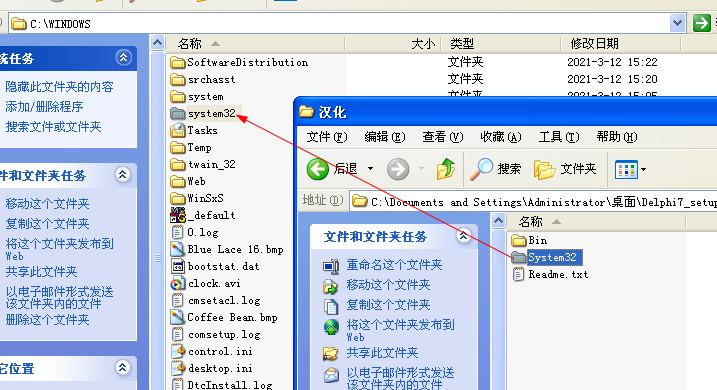
2、将 System32 文件夹内的全部文件拷贝到 Windows 安装位置下的系统目录里,汉化即告结束!
delphi7(Borland Delphi 7 企业版) Delphi7

下载地址

建议优先使用「本地下载地址」;如遇链接失效,请选择网盘地址。解压密码一般为 www.qoom.cn。
官方网站
下载
↑